

1.
Change an agent’s ACD state
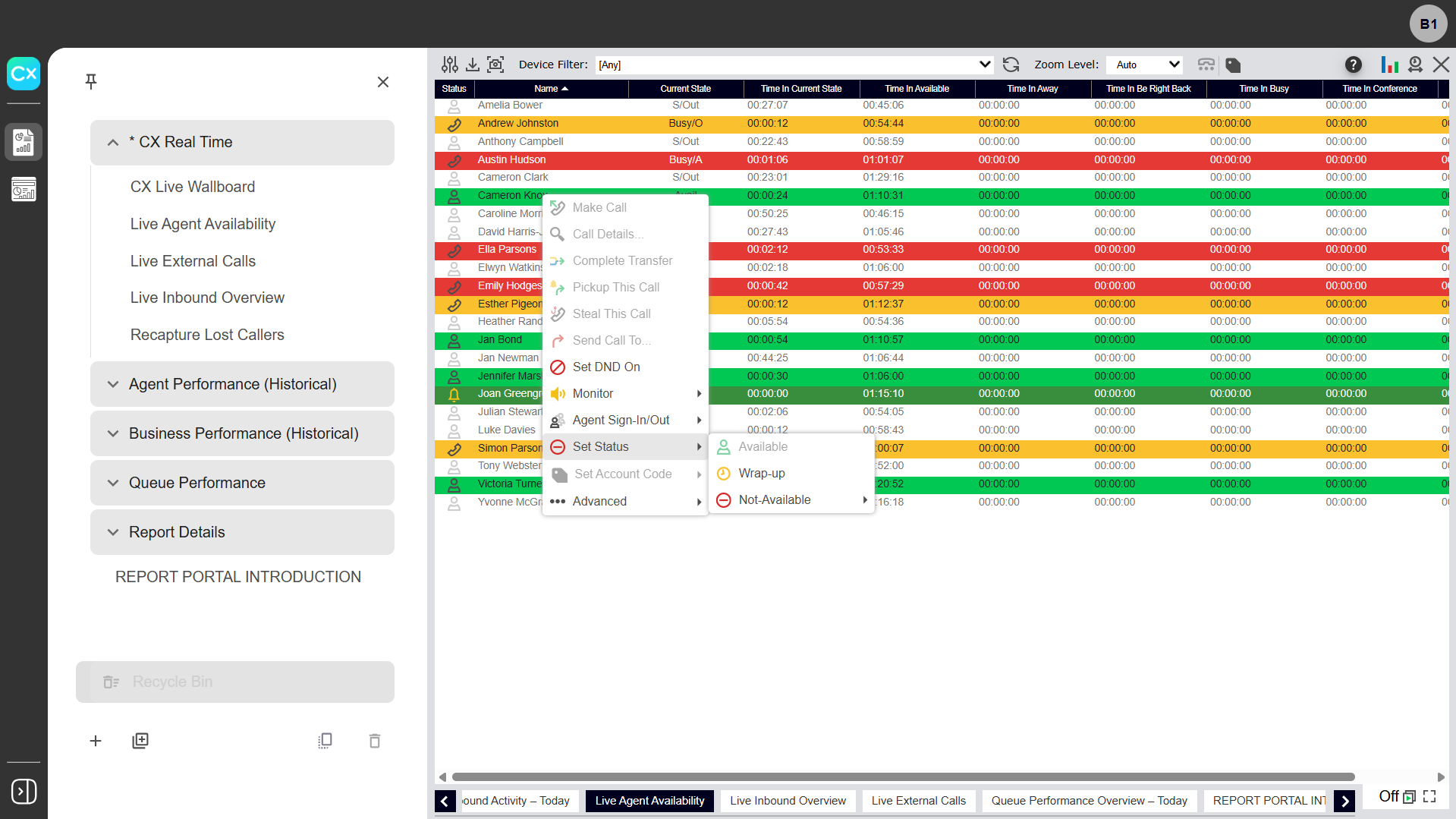
To view or change an agent's ACD state:
- Hover over and select the agent’s name.
- Select Set Status and choose one of the following:
- Available - Indicates the agent is ready to accept ACD calls and other interactions.
- Wrap-up - Indicates the agent is concluding their session and makes them unavailable to answer ACD calls.
- Not Available - Indicates the agent is unavailable to accept ACD calls and allows you to assign a reason code.
Click image for large view