
What you need to know:
ProConnect's Business Call Center is a carrier-class communications management product fully integrated that provides Automatic Call Distribution functionality.

1.
Place a call
To place a call:
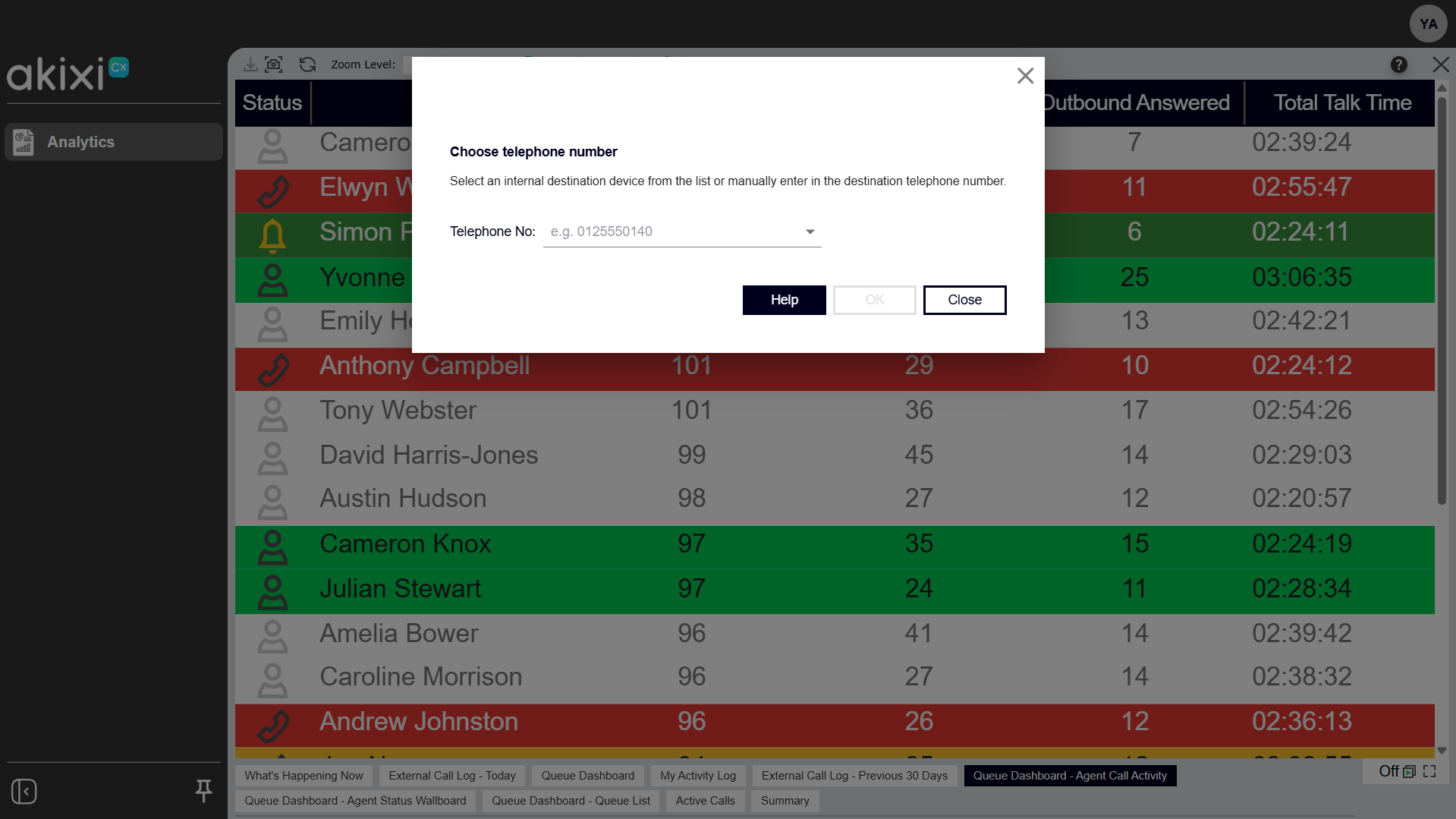
- Within the report toolbar, click the new call icon.
- Enter the phone number or select a user from the list.
Note: On most PBX-based telephone systems, you don't need to add a dial prefix such as "9" — the application adds it automatically for numbers longer than 5 digits, as long as your administrator has configured the dial prefix list for your telephone system. - Click OK to submit the request, or click Cancel to close the Telephone Number Destination window without performing any action.
Note: The request may fail if the call state of the device changes before the action reaches the telephone system.
If an open report is displayed, your appearance changes to ringing.
Click image for large view