1.
Manage Hoteling Guest
Hoteling Guest allows you to associate your service profile with a Hoteling Host user, enabling you to use the host's device with your own service profile. This feature is useful for transient employees who work from different locations.
2.
Enable Hoteling Guest
To enable Hoteling Guest, follow these steps:
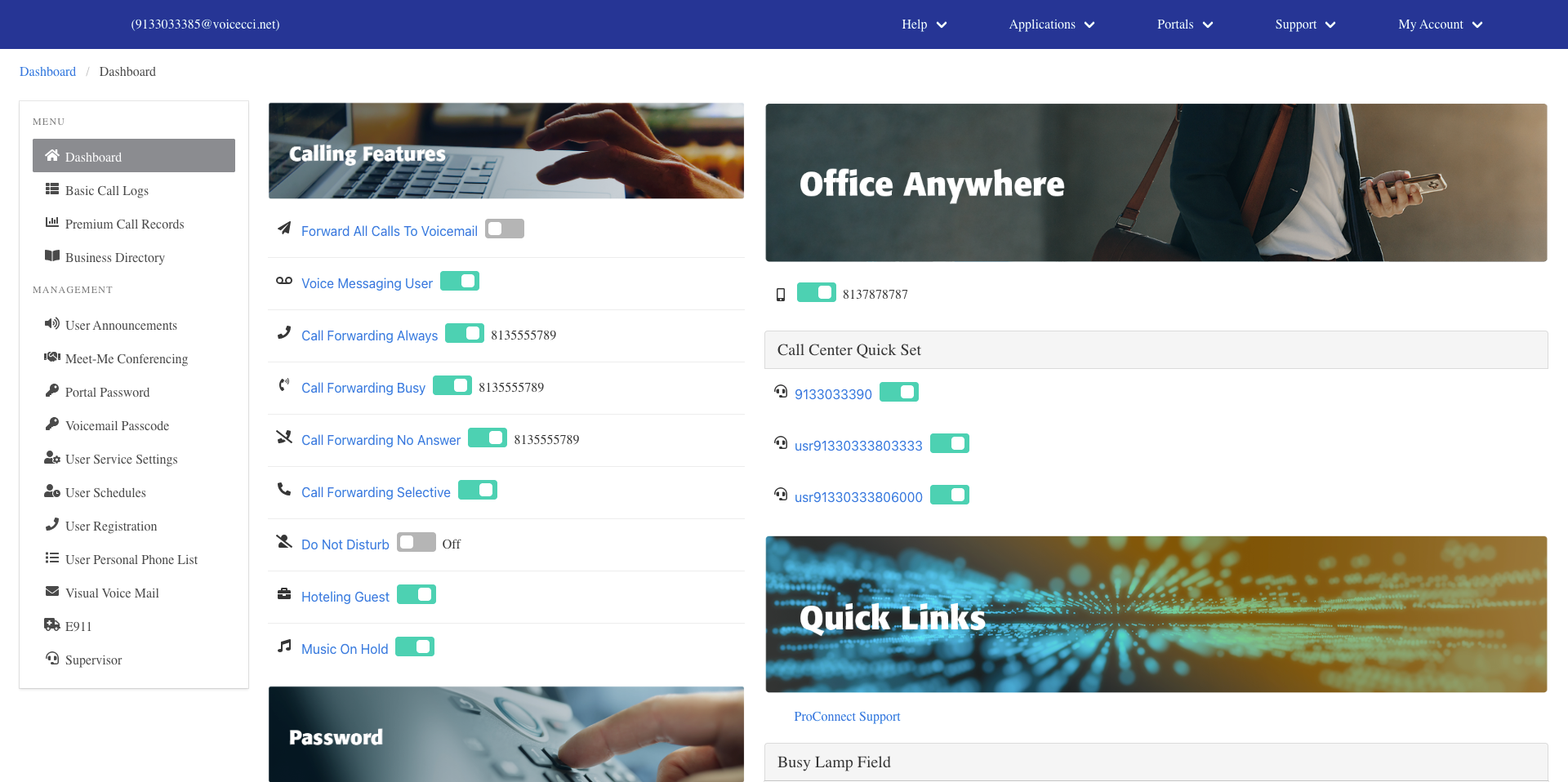
- From the main dashboard, under the Calling Features panel, click Hoteling Guest.
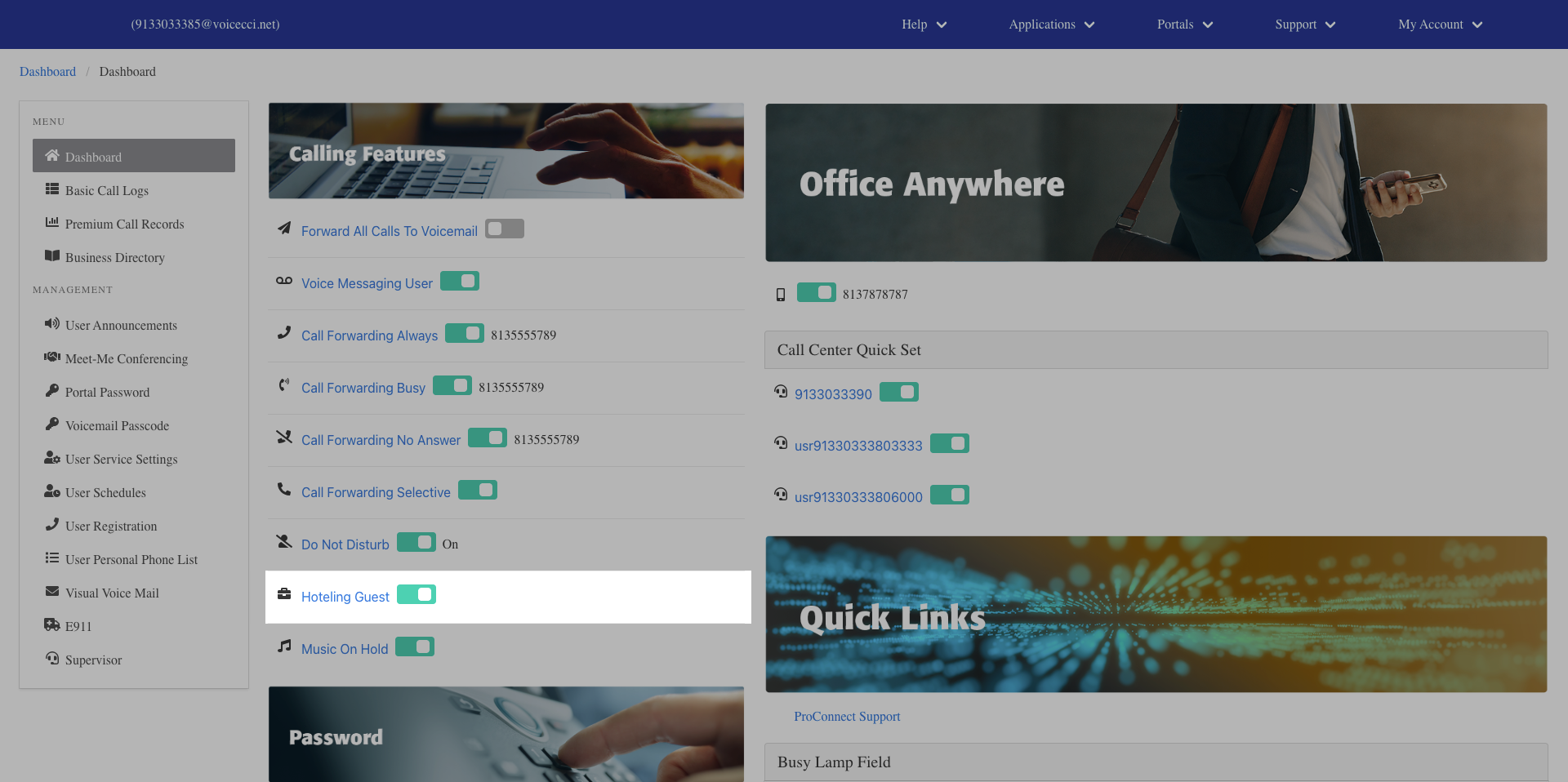
- In the General Settings section, check the Is Active checkbox to activate the feature.
- (Optional) Check the Enforce Association Limit checkbox to set a time limit on the Hoteling Guest session. When enabled, the association will expire after the number of hours specified.
- Select the number of hours for the Association Limit from the drop-down menu.
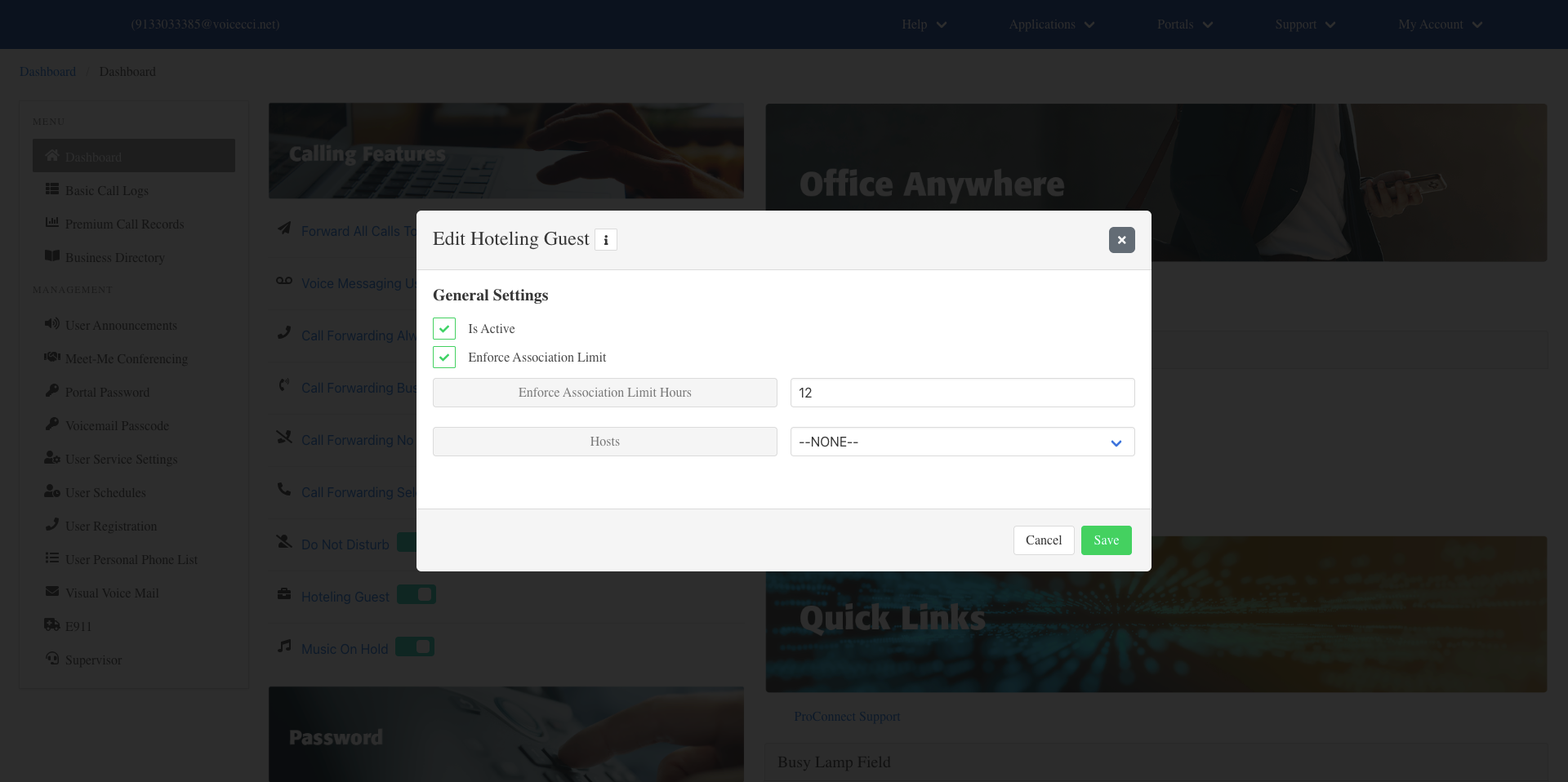
- Select the host phone you will be using from the Hosts drop-down menu.
- Click Save.
3.
Disable Hoteling Guest
To disable Hoteling Guest, follow these steps:
- From the main dashboard, under the Calling Features pane, locate Hoteling Guest.
- Click the toggle to turn it off. Your user profile will return to normal operation.