1.
Alternate Numbers
The Alternate Numbers service allows you to have up to ten alternate phone numbers in addition to your main phone number, with the option to assign one of four distinctive ring patterns to each alternate number. A distinctive call waiting tone is associated with each ring pattern.
Note: Only your system administrator can configure alternate numbers for users and extensions.
2.
View Alternate Numbers
To view your alternate numbers, follow these steps:
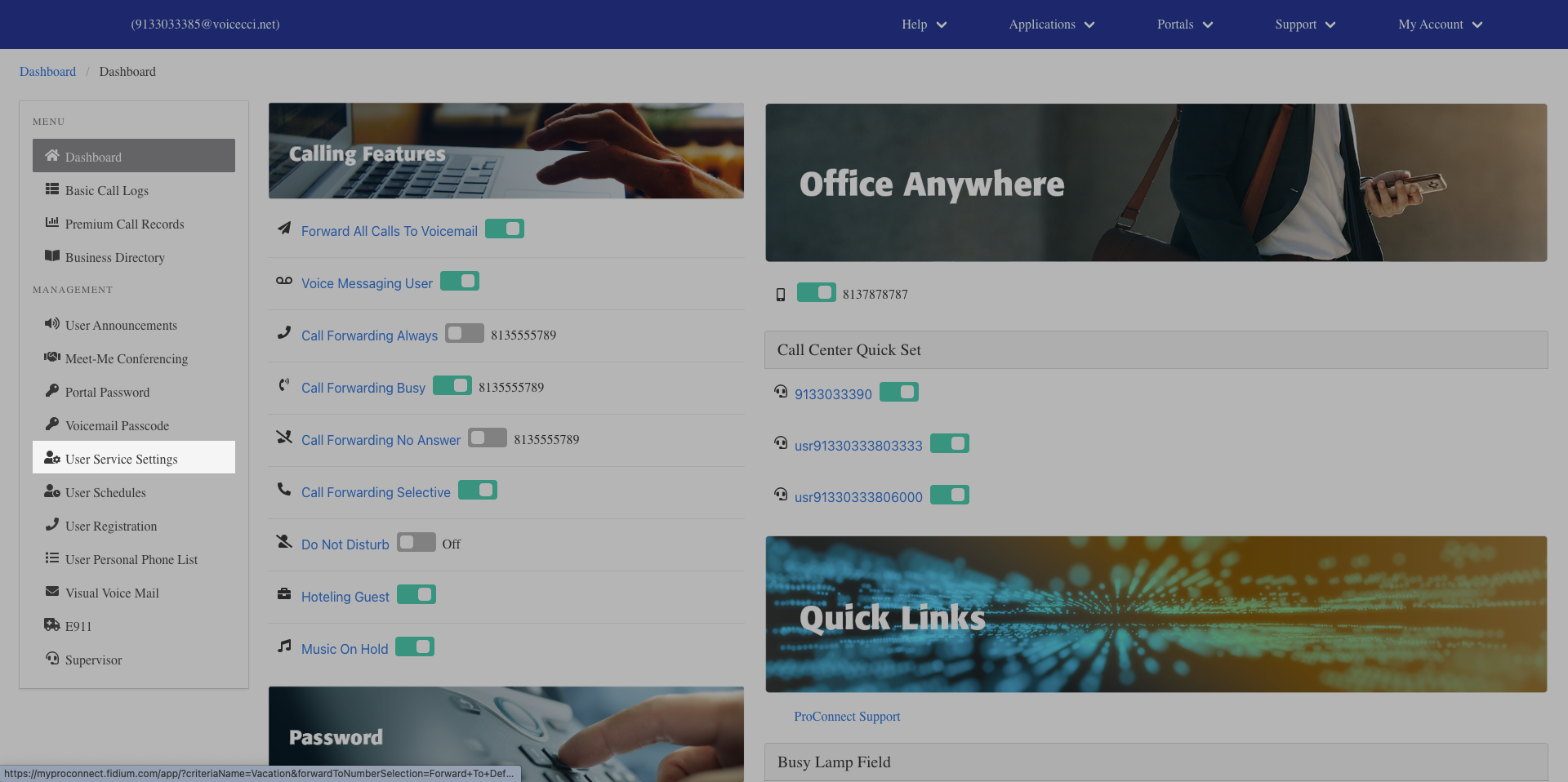
- From the dashboard menu, click User Service Settings.
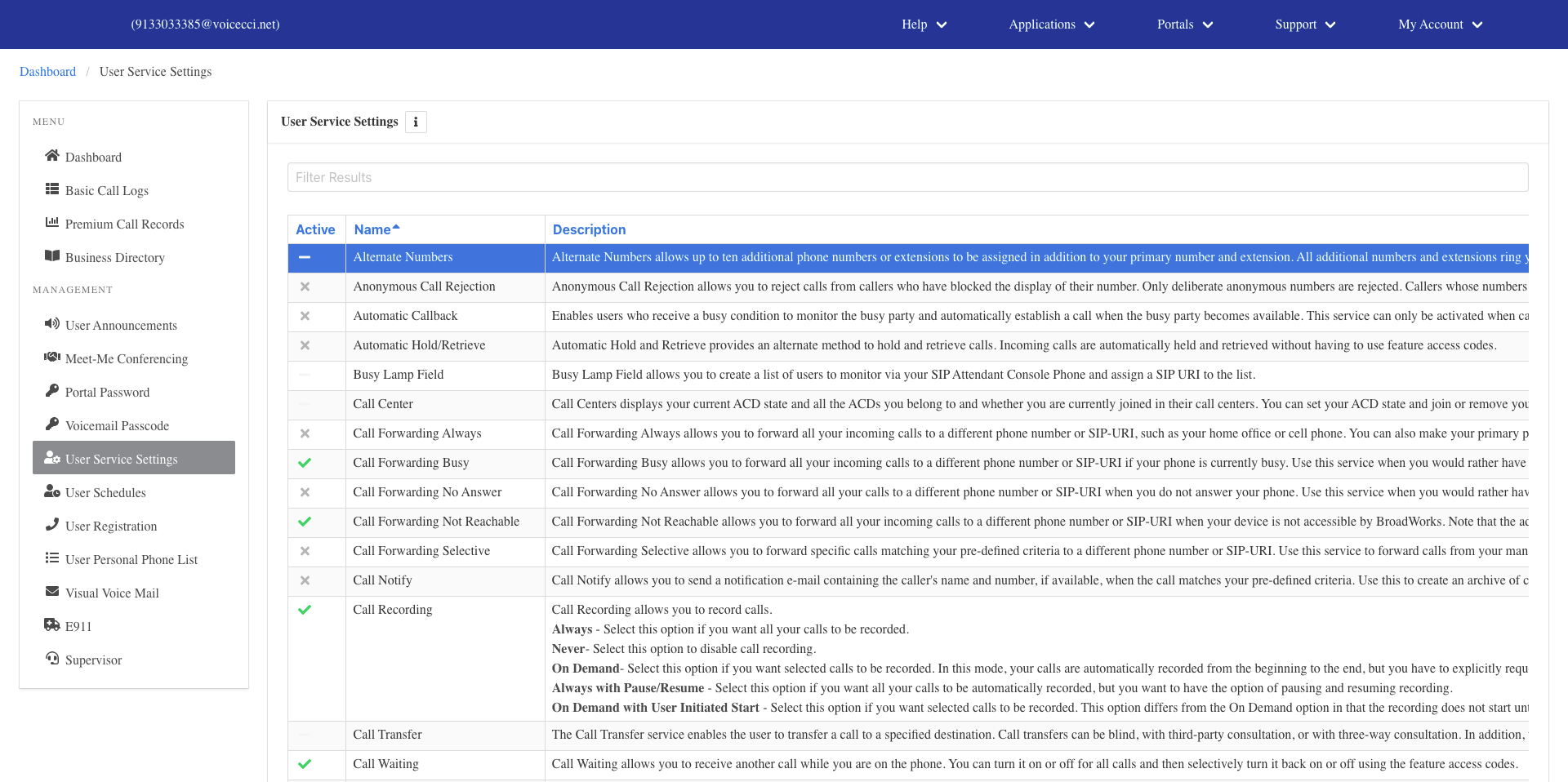
- On the Services page, click Alternate Numbers.
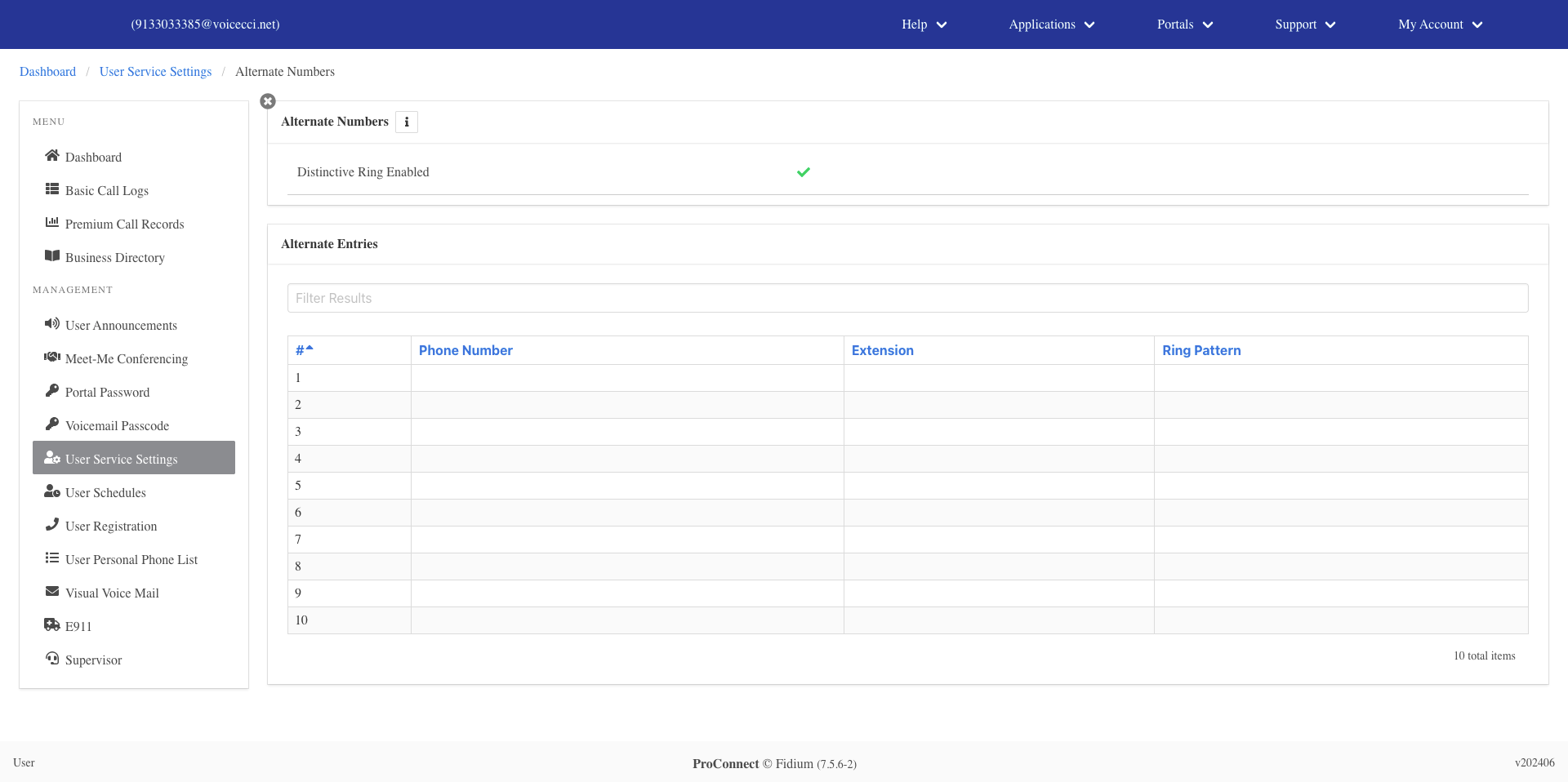
- A list of your alternate number entries will appear.