MENU

1.
Manage Anonymous Call Rejection
Anonymous Call Rejection allows you to reject calls from callers who have blocked the display of their number. When activated, your phone will not ring and the caller is informed that you are not accepting calls from unidentified callers. Callers with unavailable numbers are not rejected.
2.
Enable Anonymous Call Rejection
To enable Anonymous Call Rejection, follow these steps:
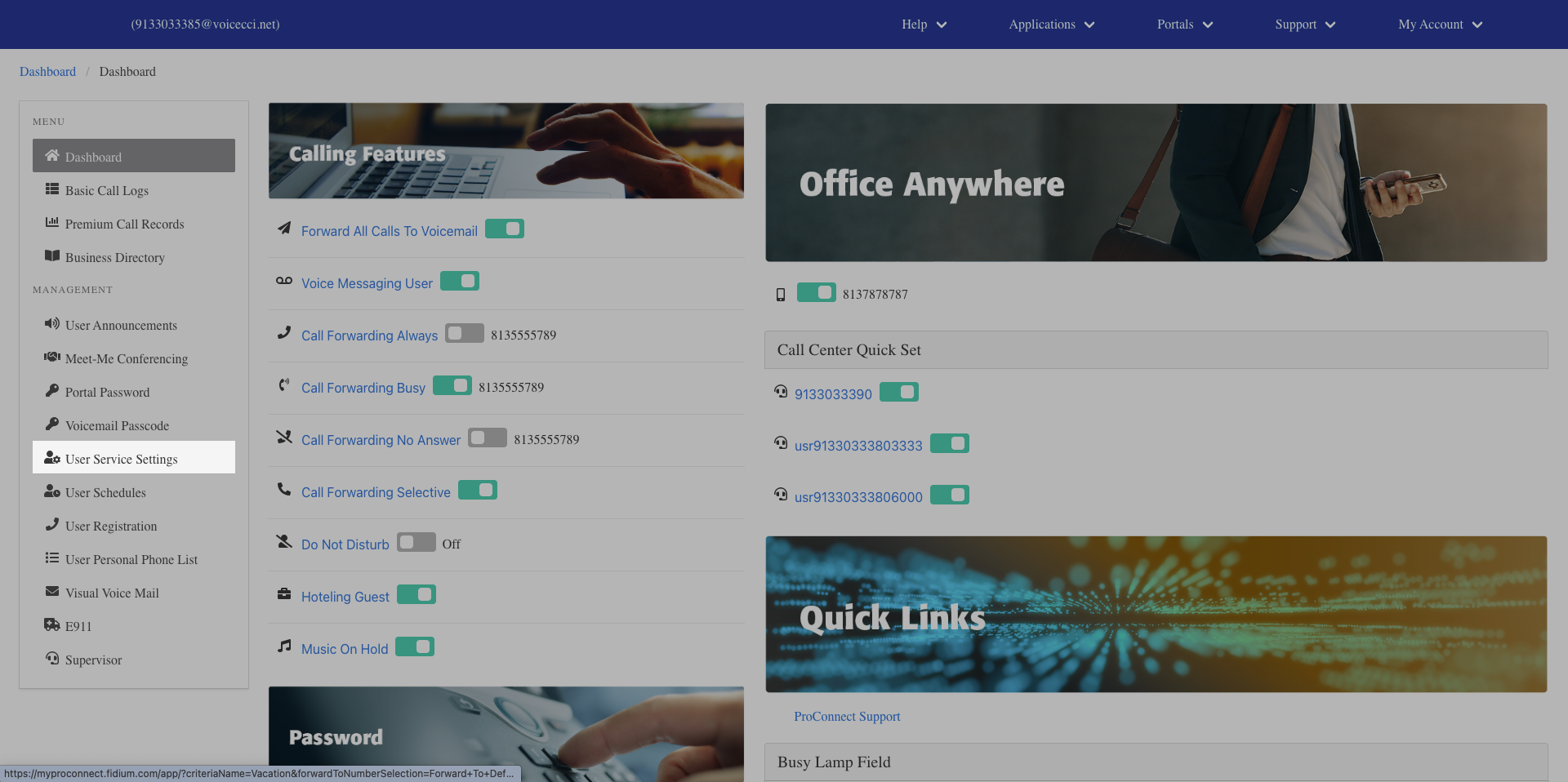
- From the dashboard menu, click User Service Settings.
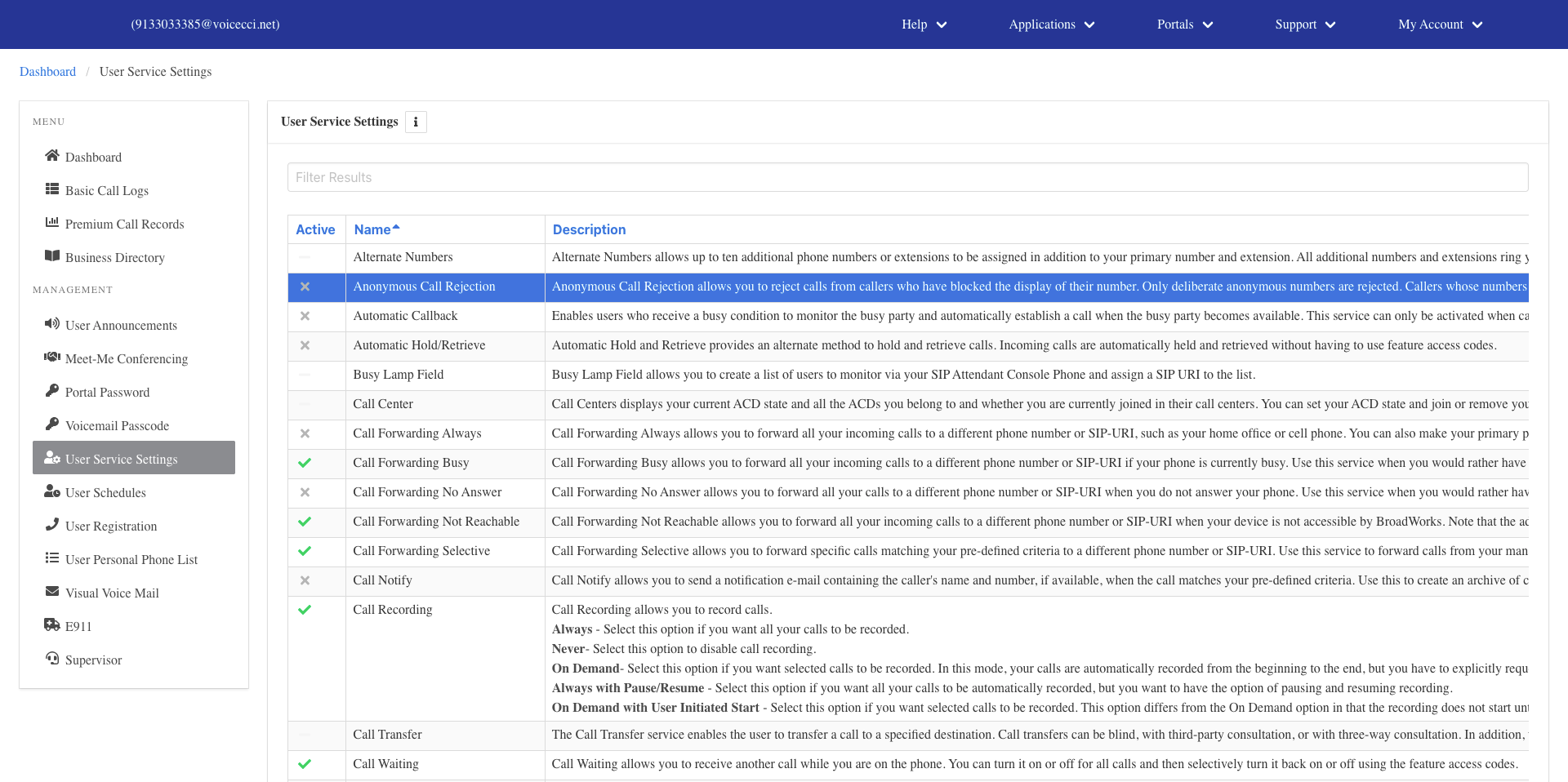
- On the Services page, click Anonymous Call Rejection.
- Click the Edit icon in the settings table.
- Check the checkbox to activate the feature.
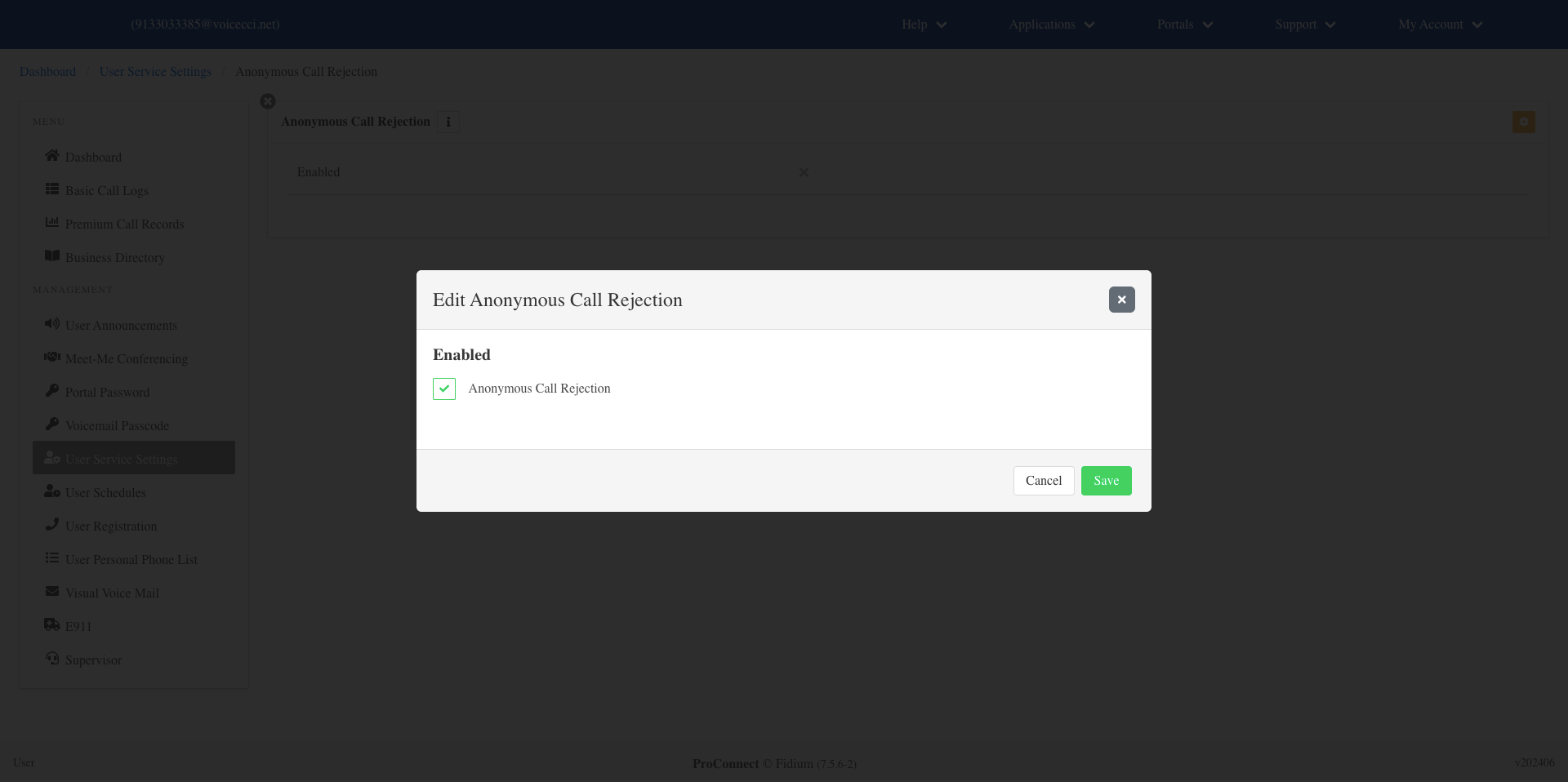
- Click Save.
3.
Disable Anonymous Call Rejection
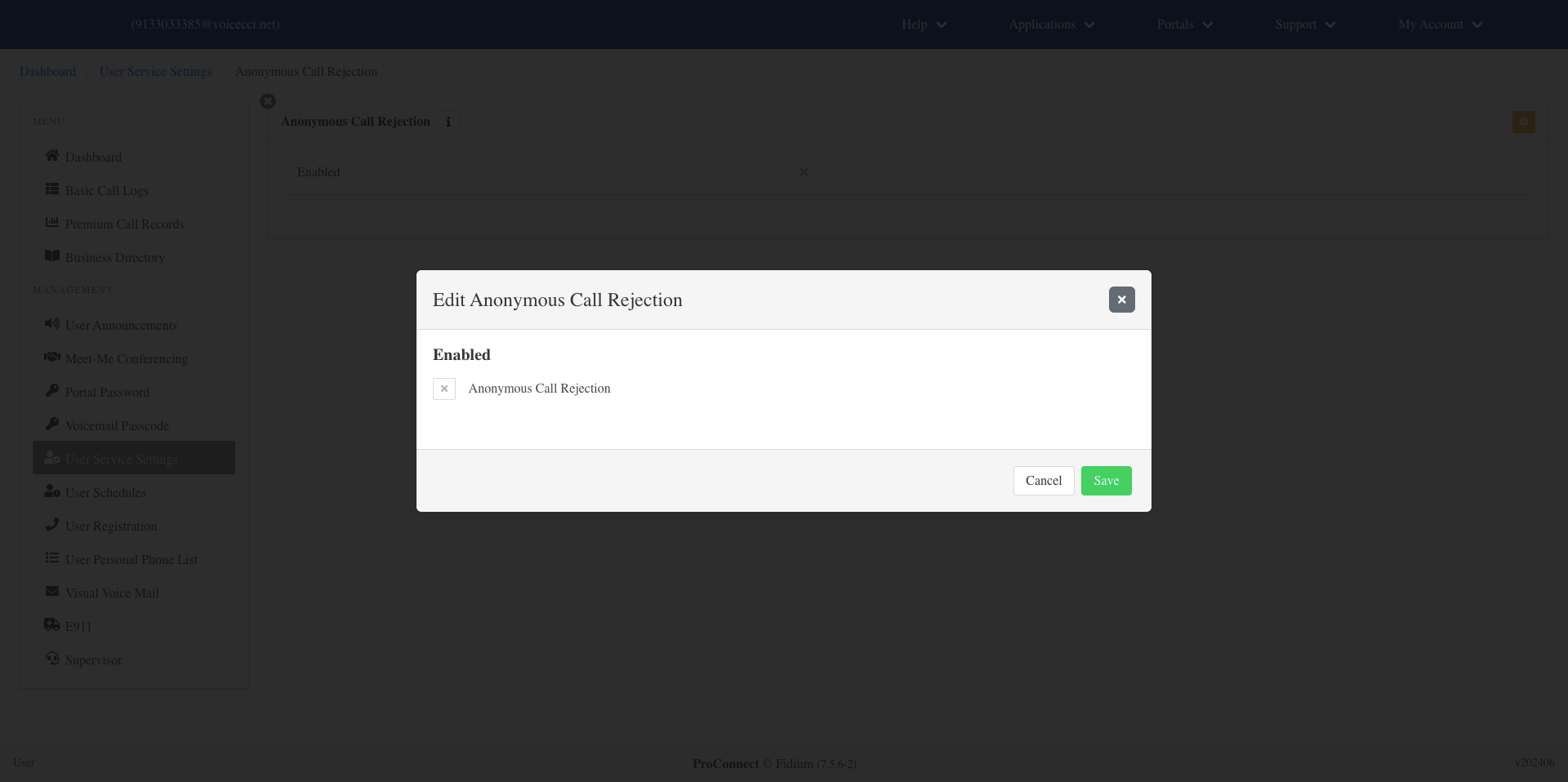
To disable Anonymous Call Rejection, follow these steps:
- From the dashboard menu, click User Service Settings.
- On the Services page, click Anonymous Call Rejection.
- Click the Edit icon in the settings table.
- Uncheck the checkbox to deactivate the feature.
- Click Save.