
MENU

1.
Manage Call Forwarding Not Reachable
Call forwarding is a phone management feature that redirects incoming calls to an alternate number, such as a cell phone, home phone, or a colleague's number.
Call Forwarding Not Reachable forwards all incoming calls to a different phone number when your device is not accessible. Calls will automatically forward to the number you provide until your device becomes available again.
2.
Enable Call Forwarding Not Reachable
To enable Call Forwarding Not Reachable, follow these steps:
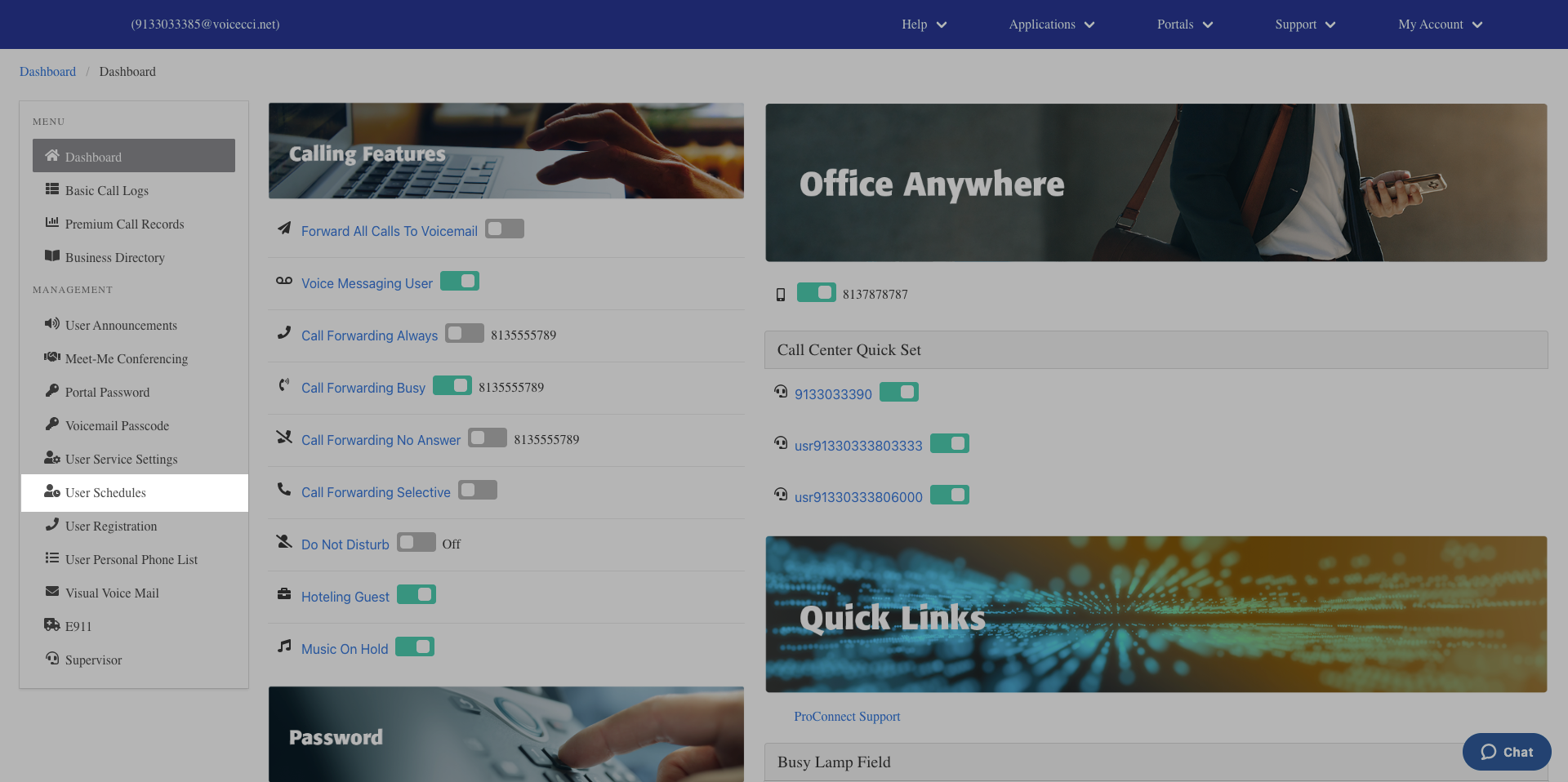
- From the dashboard menu, click User Service Settings.
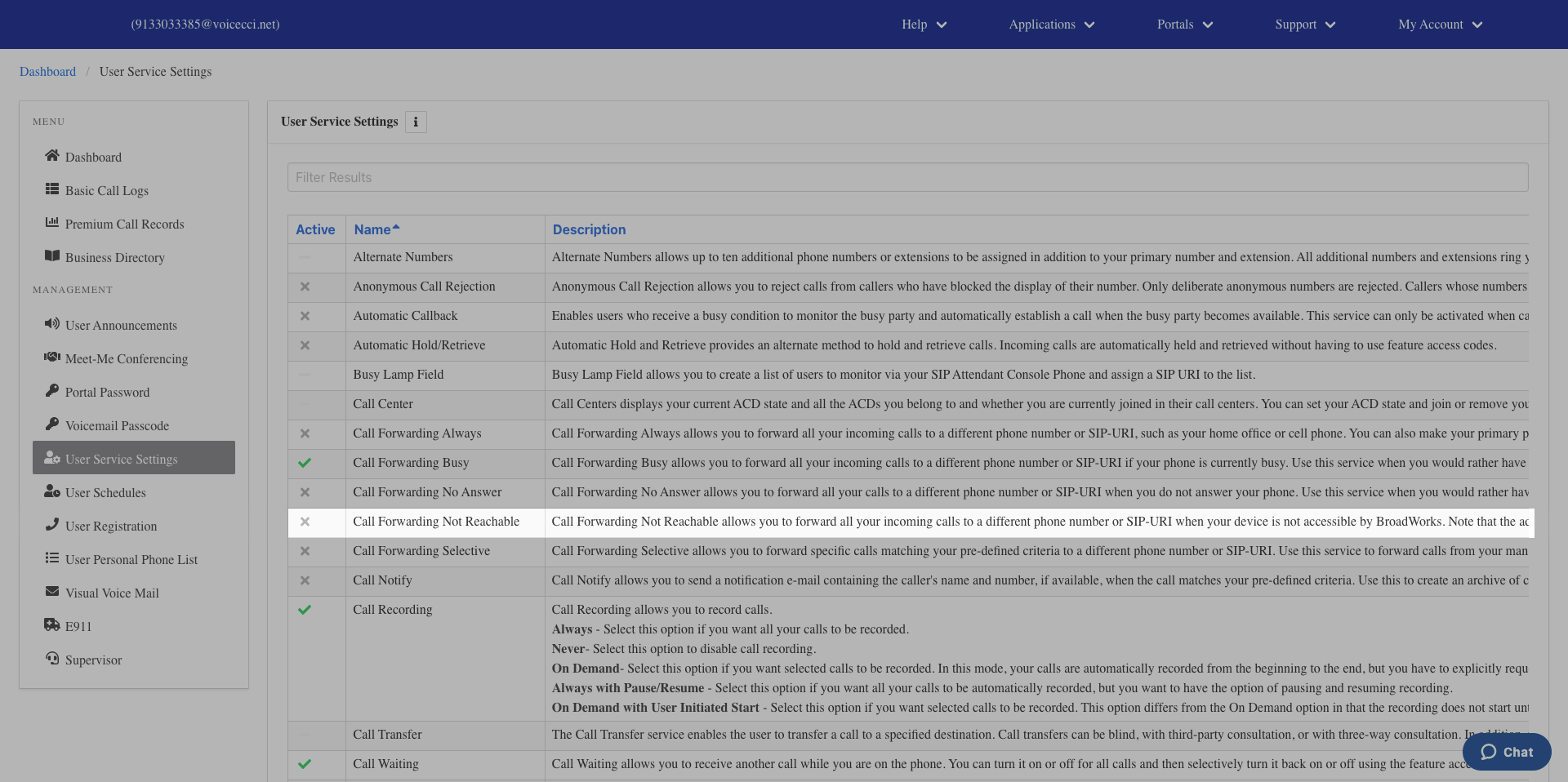
- On the Services page, click Call Forwarding Not Reachable.
- Click the Edit icon in the Call Forwarding table.
- Check the Is Active checkbox to activate the feature.
- Enter a valid 10-digit phone number to forward your calls to.
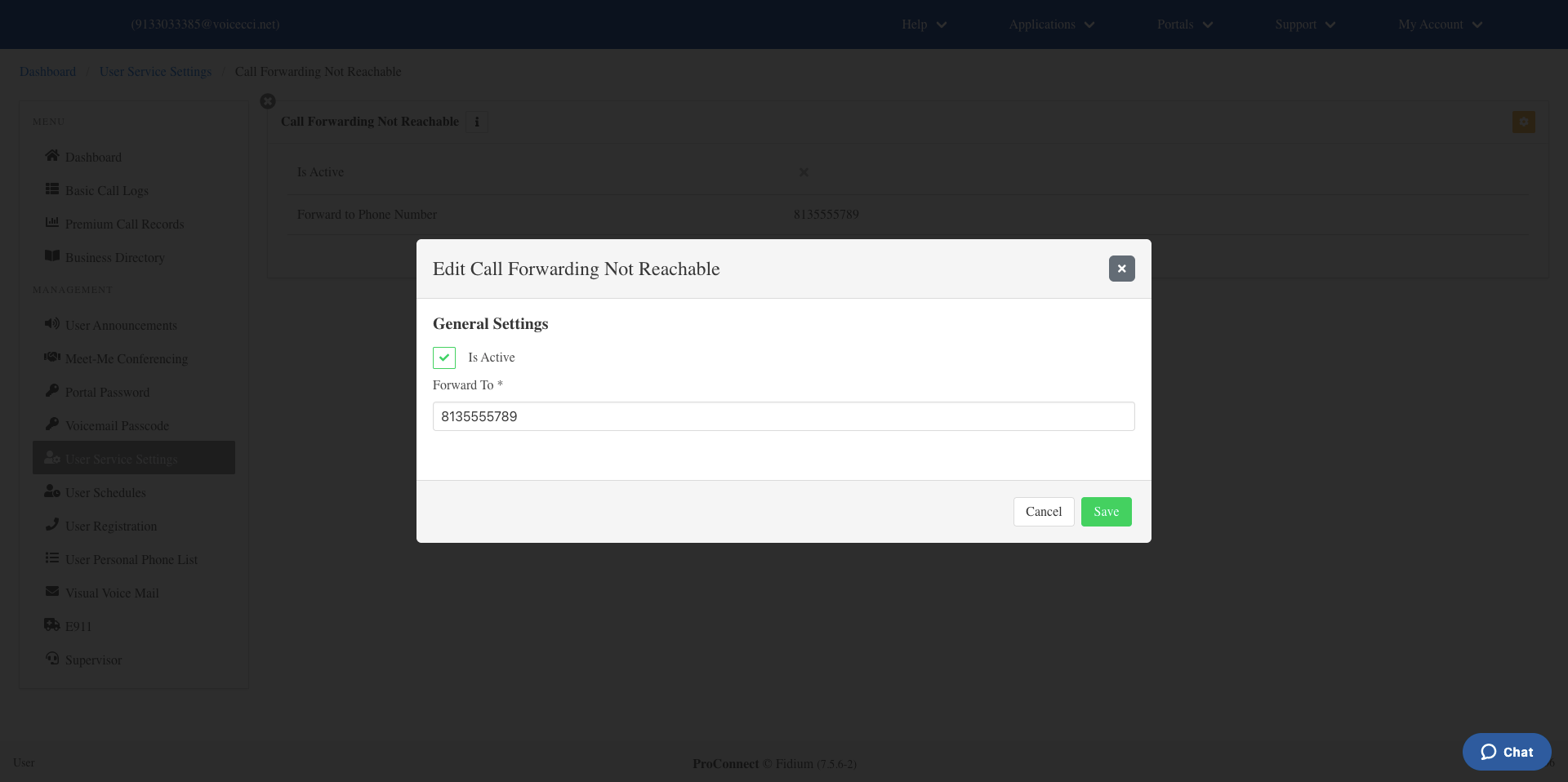
- Click Save.
3.
Disable Call Forwarding Not Reachable
To disable call forwarding Not Reachable, follow these steps:
- From the dashboard menu, click User Service Settings.
- On the Services page, click Call Forwarding Not Reachable.
- Click the Edit icon in the Call Forwarding table.
- Uncheck the Is Active checkbox.
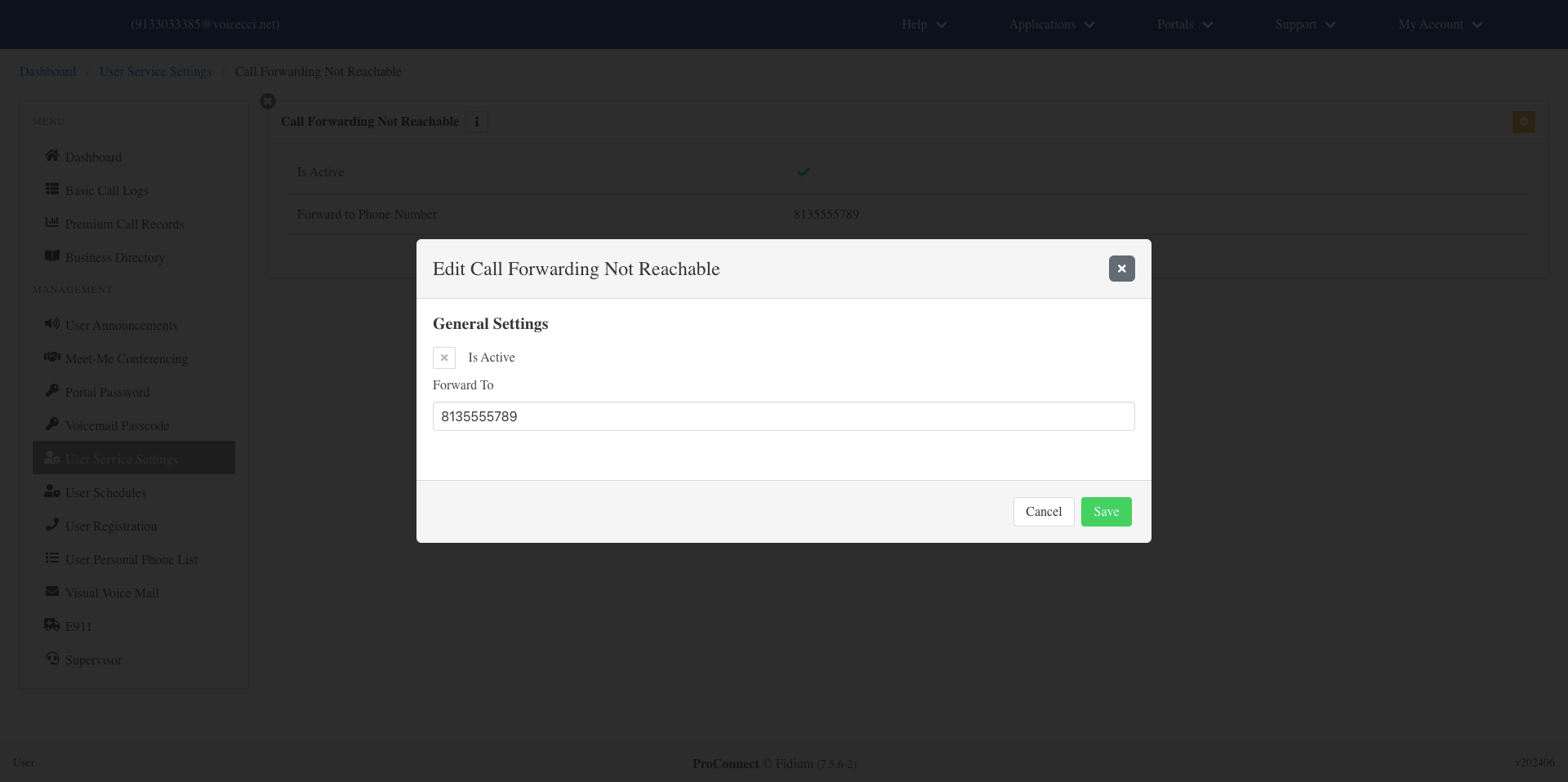
- Click Save.