

1.
Manage User Schedules
You can create user schedules for service features that require them. Schedules can be set up as regular time schedules or holiday schedules.
2.
View User Schedules
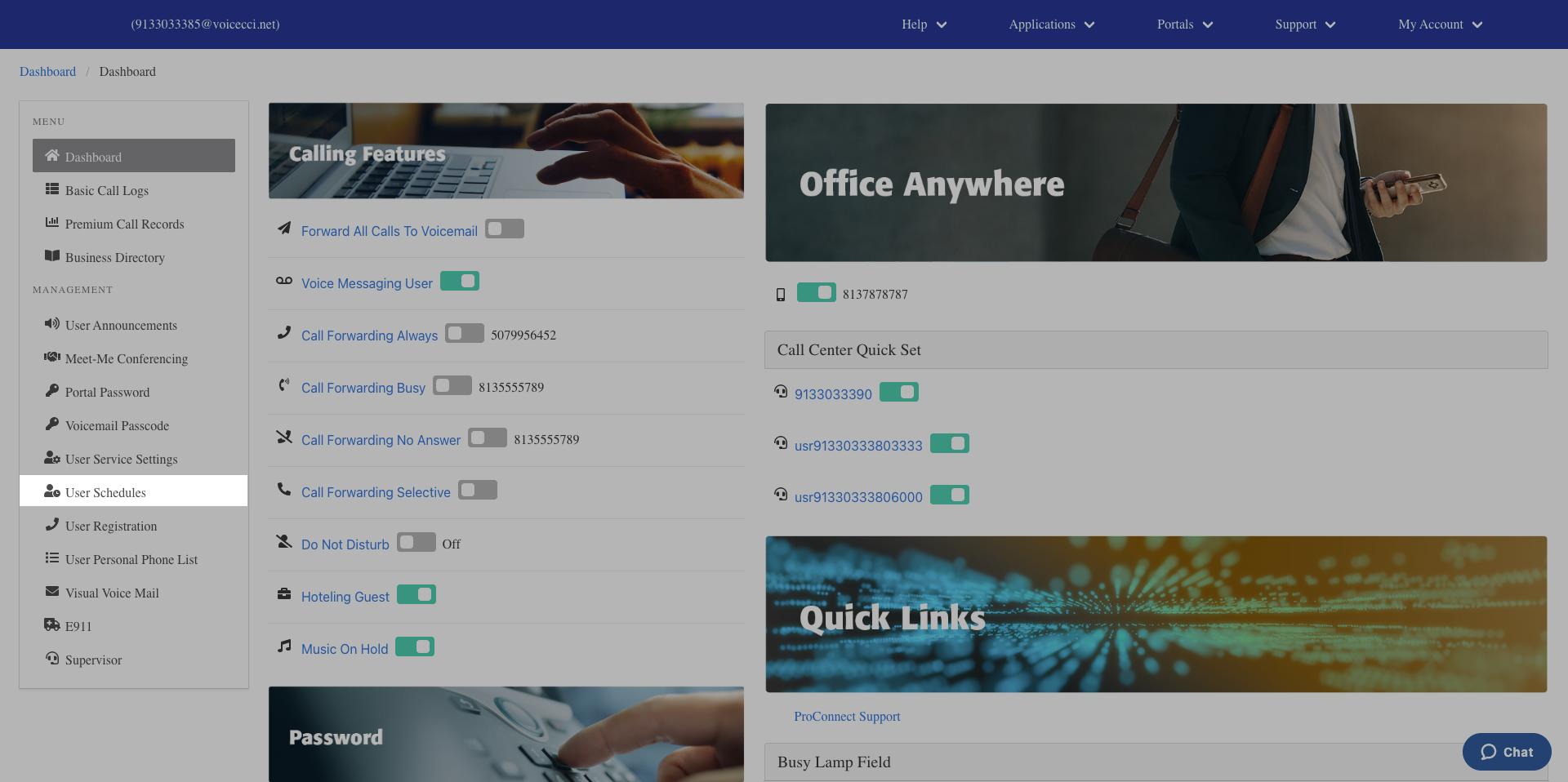
- From the dashboard menu, click User Schedules.
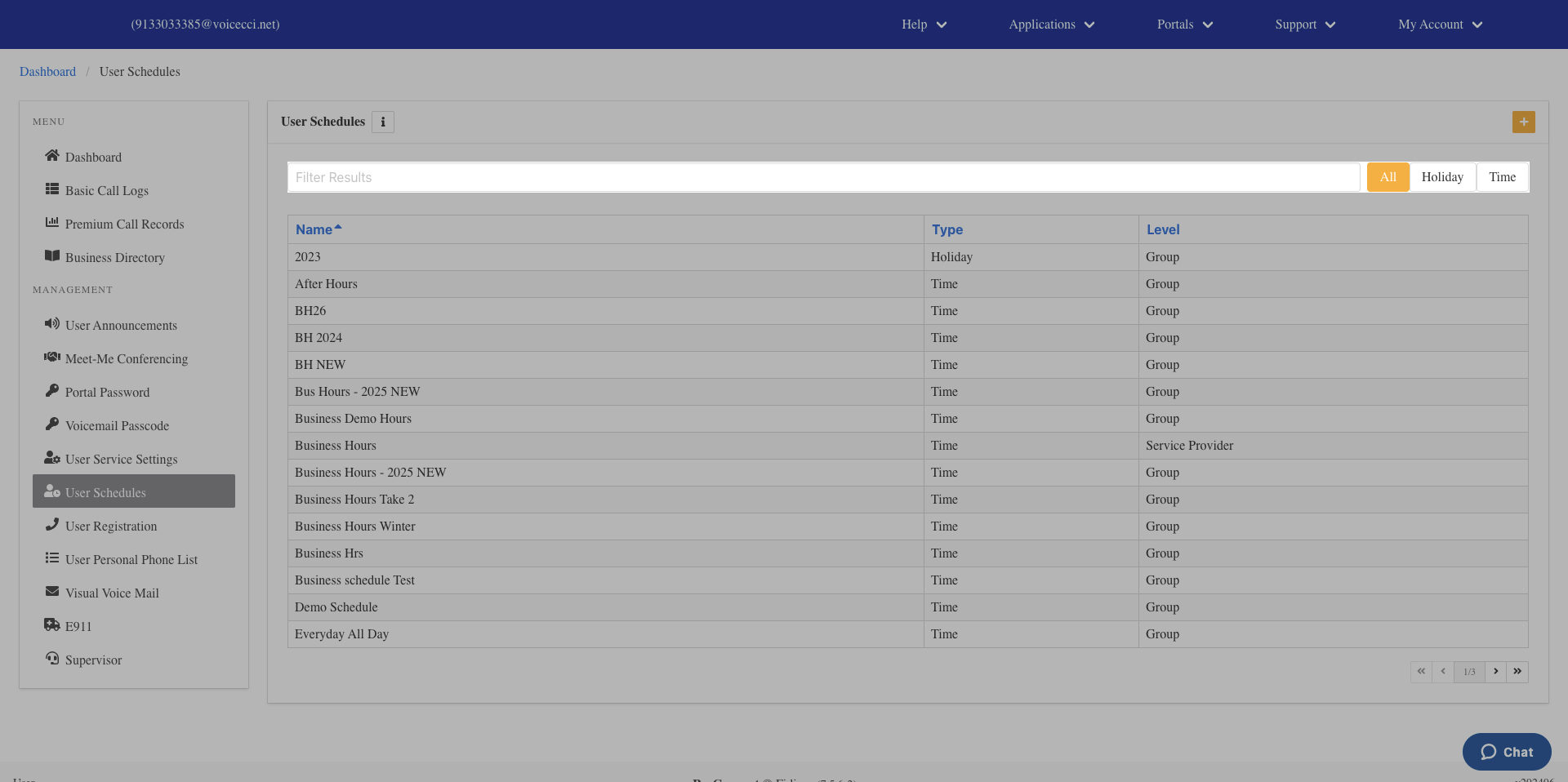
- All created schedules are displayed in the User Schedules table.
- To filter your schedules, click All, Holiday, or Time in the filter bar.
3.
Add a Schedule
- From the dashboard menu, click User Schedules.
- From the Schedules page, click the Plus icon.
- In the Edit Settings window, enter a name for the schedule.
- From the drop-down menu, select Time Schedule or Holiday Schedule.
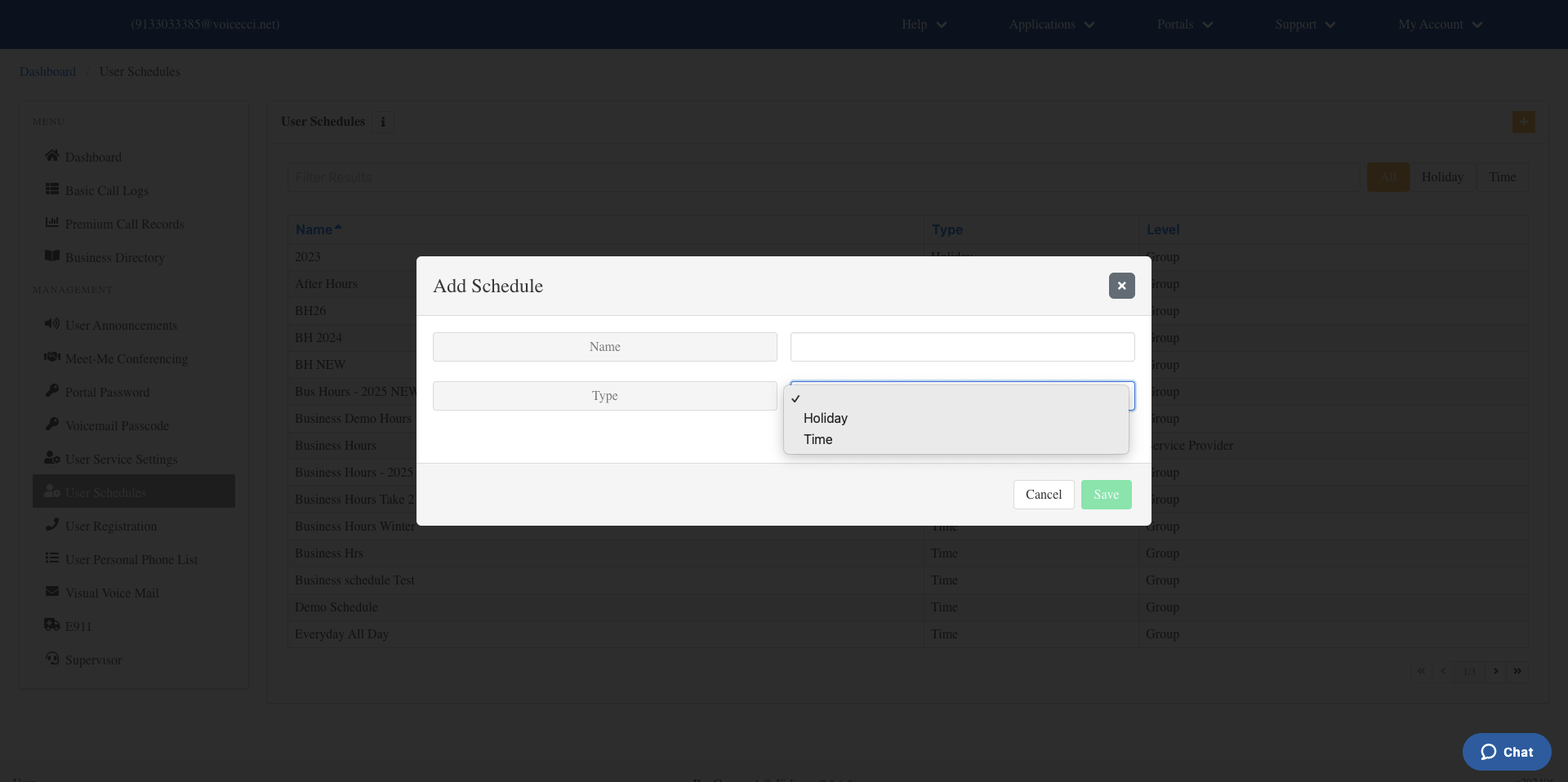
- Click Save. Your new schedule will appear in the table below.